To take a screen shot of your desktop press the Print Screen (prnt scrn) button on your keyboard, located above the delete keys usualy, then simply go into Paint and hit paste! Then save as .jpg
To attach picture to thread, click the 'Reply To Topic' button and click the paper click image to the top left of the submittion box
And for you Mac users out there. There is a application called "Grab." You can find it in the Utilities folder. Open Grab up and select the capture menu item at the top of the screen. To take an image of the whole screen choose Screen under the capture menu.
Anyways, here's mine. I decided to use imageshack so I could go with a larger size, 1024x768 resized from 1152x864. As you can see from this pic, Neon Niter, a WIP that's been on my comp for over a year, is not dead. I am going to try to get some more supports up.
I am useing windows xp but I have so many icons and shortcust and to lazy to go through them (I problably actually only use 2 or 3 icons on the desctop)
Background is generated every 10 minutes using xplanet. The clouds are updated in semi-realtime (every 3 hours), the earth is accurately lit for the current time of day, and centered pretty much on where I live.
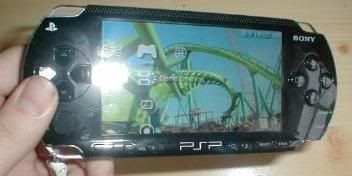
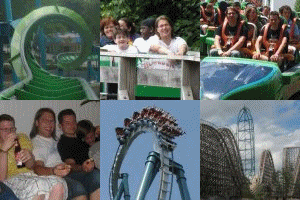
I swap between two desktops, both are my own pictures. here is my best picture i have ever made, its a pic of the first inversion of nemesis, and is a cool background imo.
I also sometimes have this pic of magnum Force at flamingoland viewed from the splash pool of the lost river, as my desktop. I love switching on my comp and seeing an awesome Schwarzkopf creation.